AI Voice Generator
FlashEdit AI Voice Generator
FlashEdit AI Voice Generator delivers clean, studio-ready narration without the robotic edge. Use it for ads, tutorials, or podcast segments, then export ready‑to‑edit audio in minutes.
VOICE STYLES
AI Voice Generator Styles for Every Script
Pick a voice that fits your brand—calm explainers, punchy promos, or cinematic trailers. FlashEdit keeps pronunciation and pacing steady, so each take sounds like the one you approved.
HOW IT WORKS
How the AI Voice Generator Works
Four quick steps take you from script to finished audio inside FlashEdit. The AI Voice Generator keeps your script, voice choices, and approvals together so teams move without back-and-forth.
Bring the Script
Paste a full script or a short section. FlashEdit AI Voice Generator reads punctuation and cadence so the take follows your intent without a rewrite.
Set the Voice Style
Choose tone, emotion, and language. Lock pronunciation for brand terms, then keep the same voice across every scene, ad variation, or tutorial chapter.
Generate & Compare
Render a few takes, pin favorites, and compare pacing side by side. Each take stores the voice profile and settings so you can recreate the same sound later.
Polish & Export
Trim pauses, normalize loudness, and export WAV or MP3. Share review links or download clean audio files ready for editing, ads, or distribution.
PRODUCTION CONTROLS
AI Voice Generator controls for narration that stays on-script
FlashEdit pairs natural delivery with hands-on controls. You get clear takes, easy versioning, and exports that slot into real production timelines.
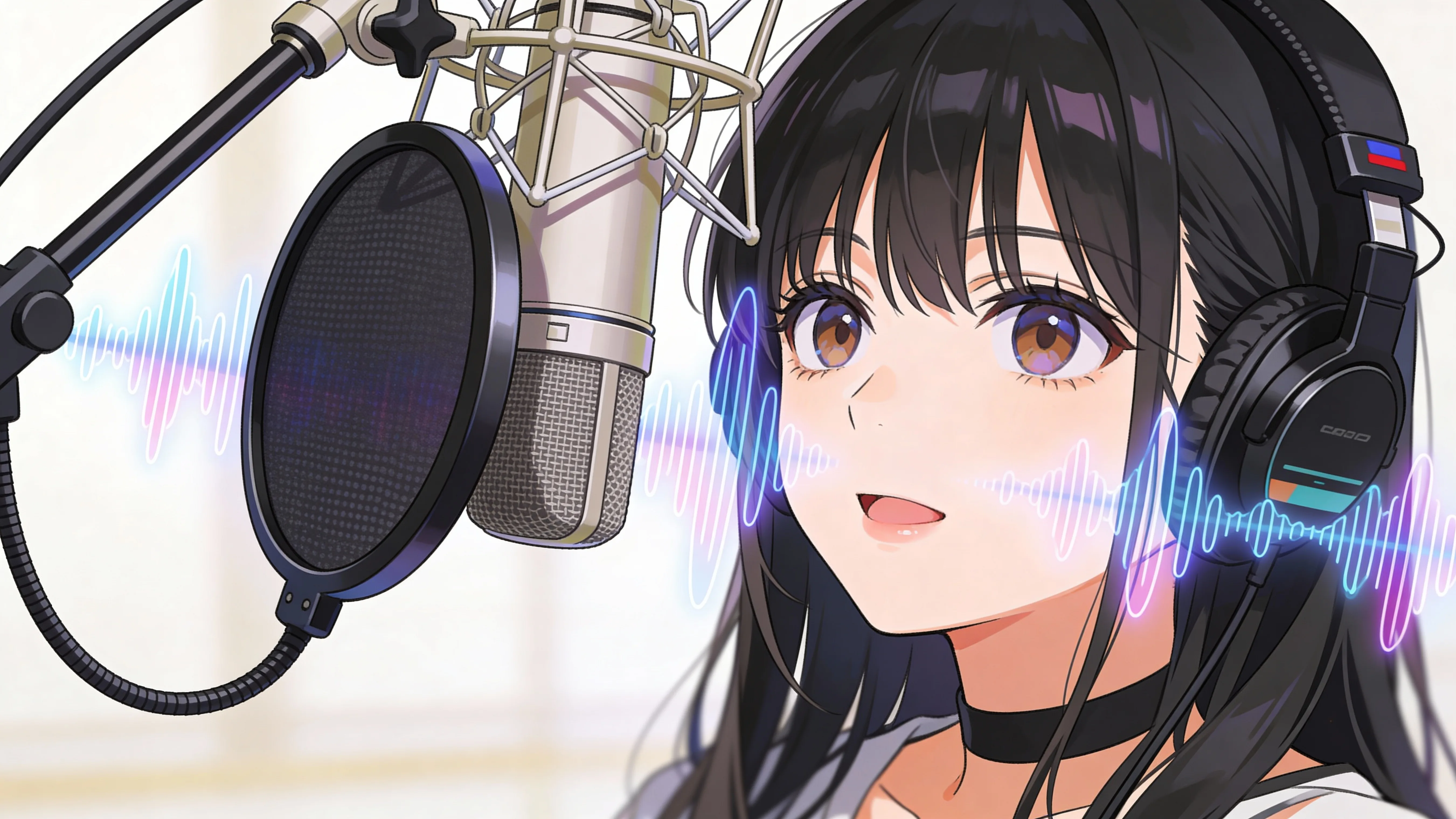
Natural Voice, Clear Delivery
FlashEdit AI Voice Generator keeps pronunciation crisp and pacing smooth, so narration sounds human. Even at faster reads, ads and explainers stay easy to follow before an editor touches them.
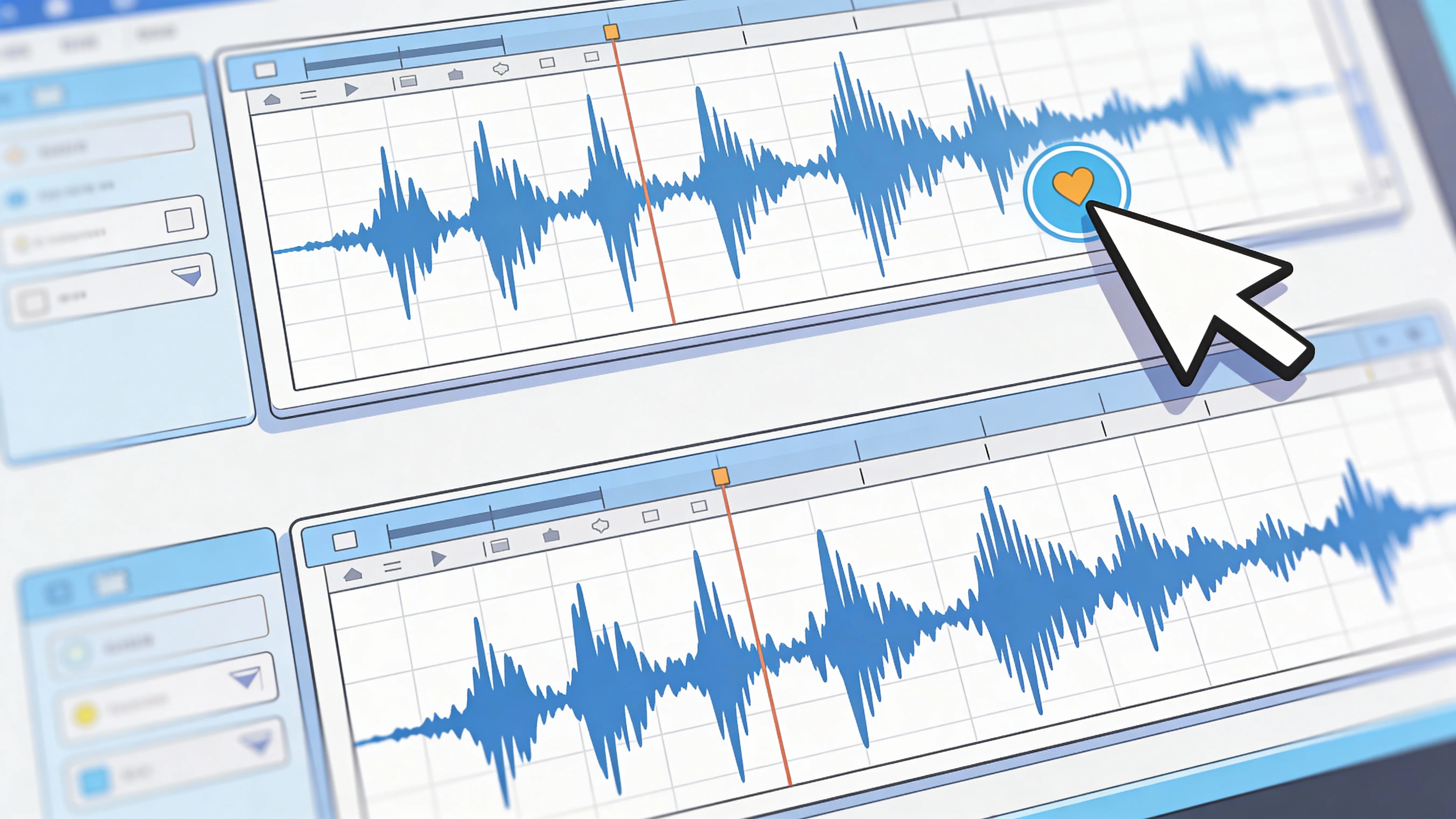
Studio Workflow, Saved Versions
Each take saves the voice profile, emotion settings, and script edits together. Marketing, product, and creative teams can review options, approve a take, and return later without hunting the exact setup.
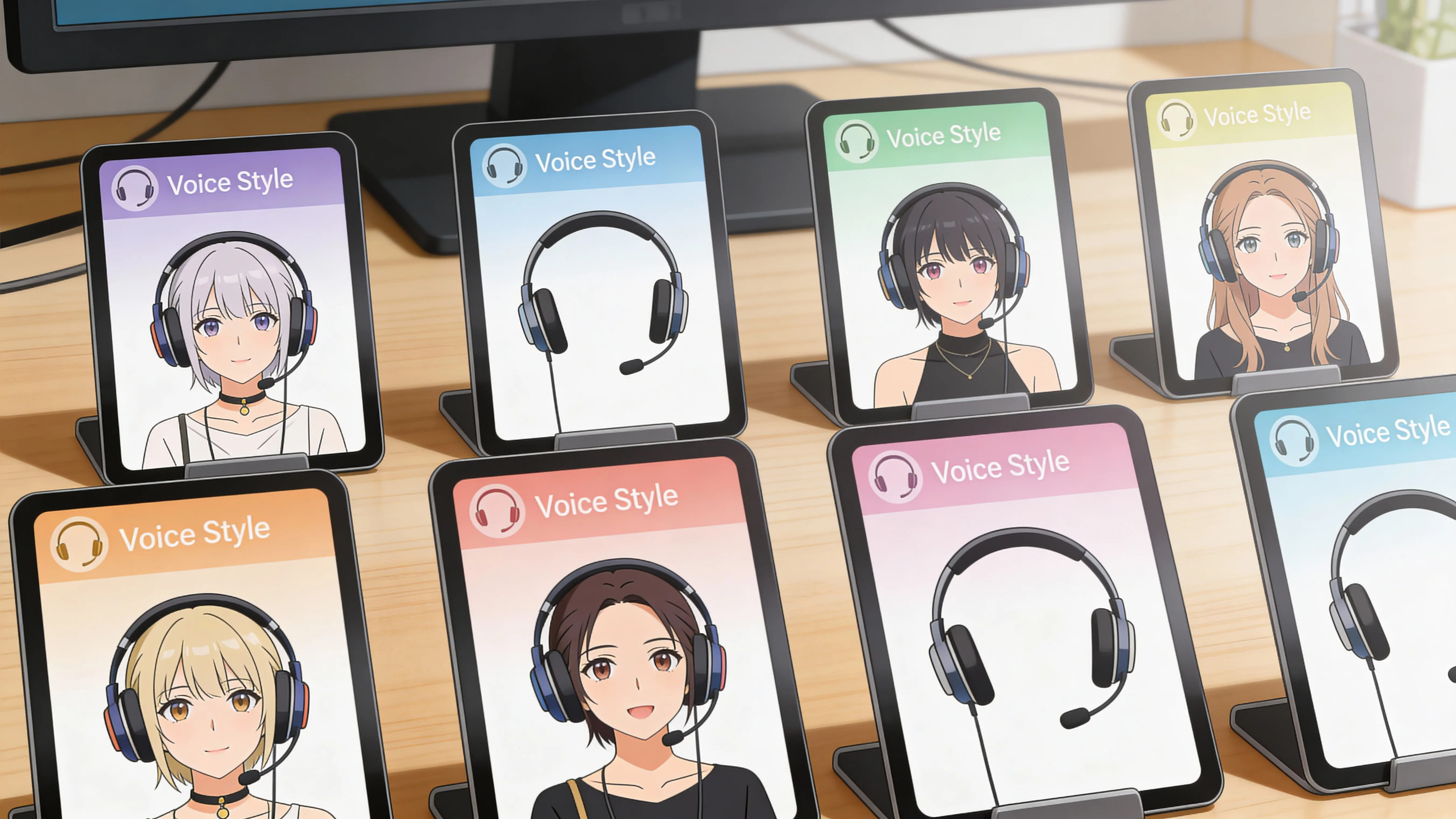
Multiple Voice Models, One Setup
Switch voice styles or languages without redoing your setup. The AI Voice Generator keeps model settings lined up so you can localize a tutorial, adapt an ad for a new region, or run a series with one voice identity.
CREATION MODES
Four creation modes inside the AI Voice Generator
Start from a script, a template, or a saved voice profile—whatever gets you moving fastest. FlashEdit keeps the controls familiar so you can jump between projects without losing momentum.
Full Script Narration
Paste a script and let the AI Voice Generator turn it into a full voiceover. Punctuation-aware pacing keeps the read natural, while voice profiles stay consistent across chapters.
VOICE SELECTION
Find the right voice in AI Voice Generator
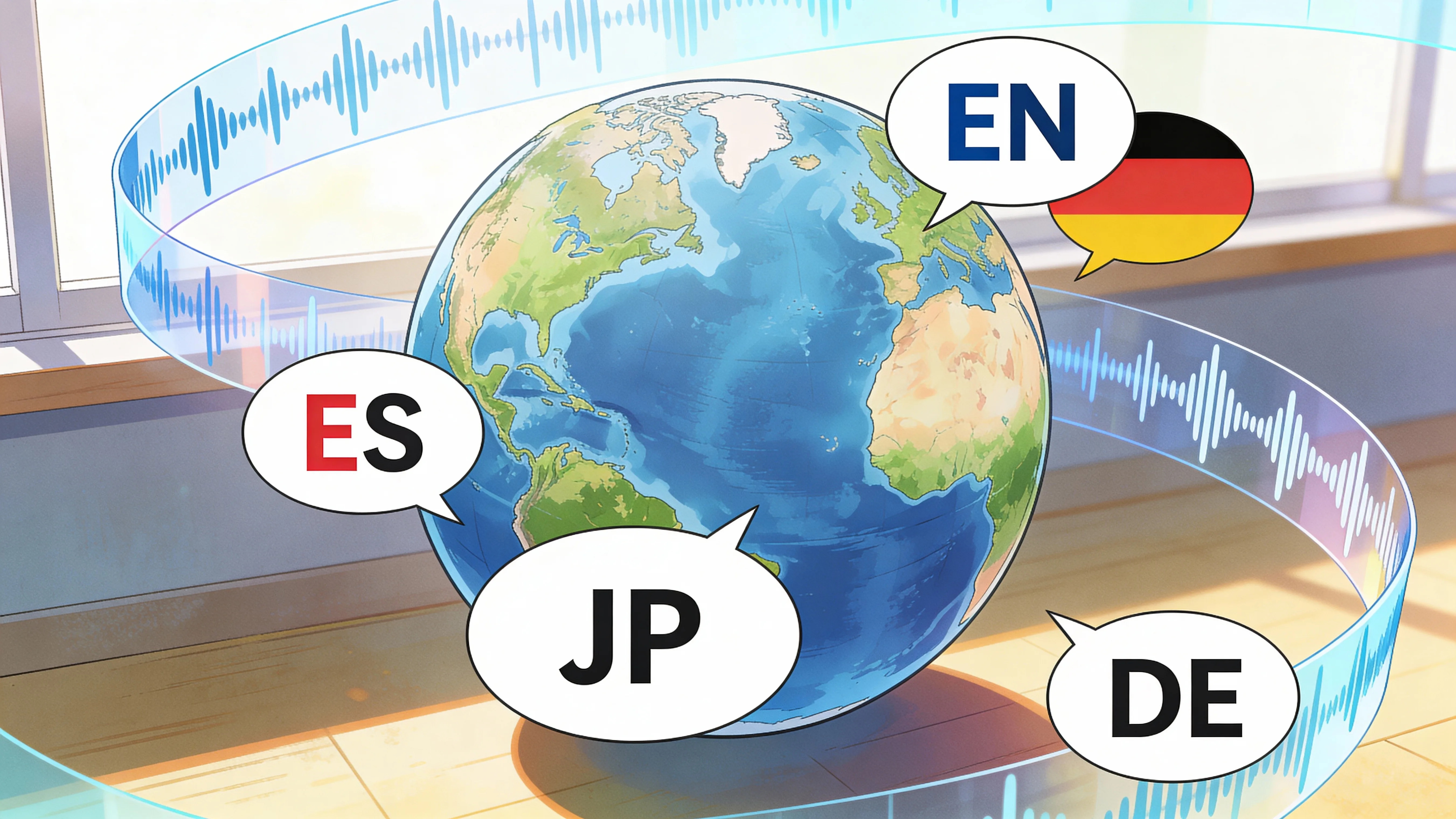
Pick from a range of voice types and personalities to match the role you’re voicing. Then keep the delivery steady so the character stays consistent across the whole piece.
Voice styles with real personality
Choose from clear narrators, warm explainers, punchy promo reads, or character voices. The list makes it easy to match the mood before you generate a full take.
Keep the tone on track
Stick with one voice across scenes so the narration feels cohesive. You avoid subtle shifts that can make a series sound stitched together.
Quick preview, then commit
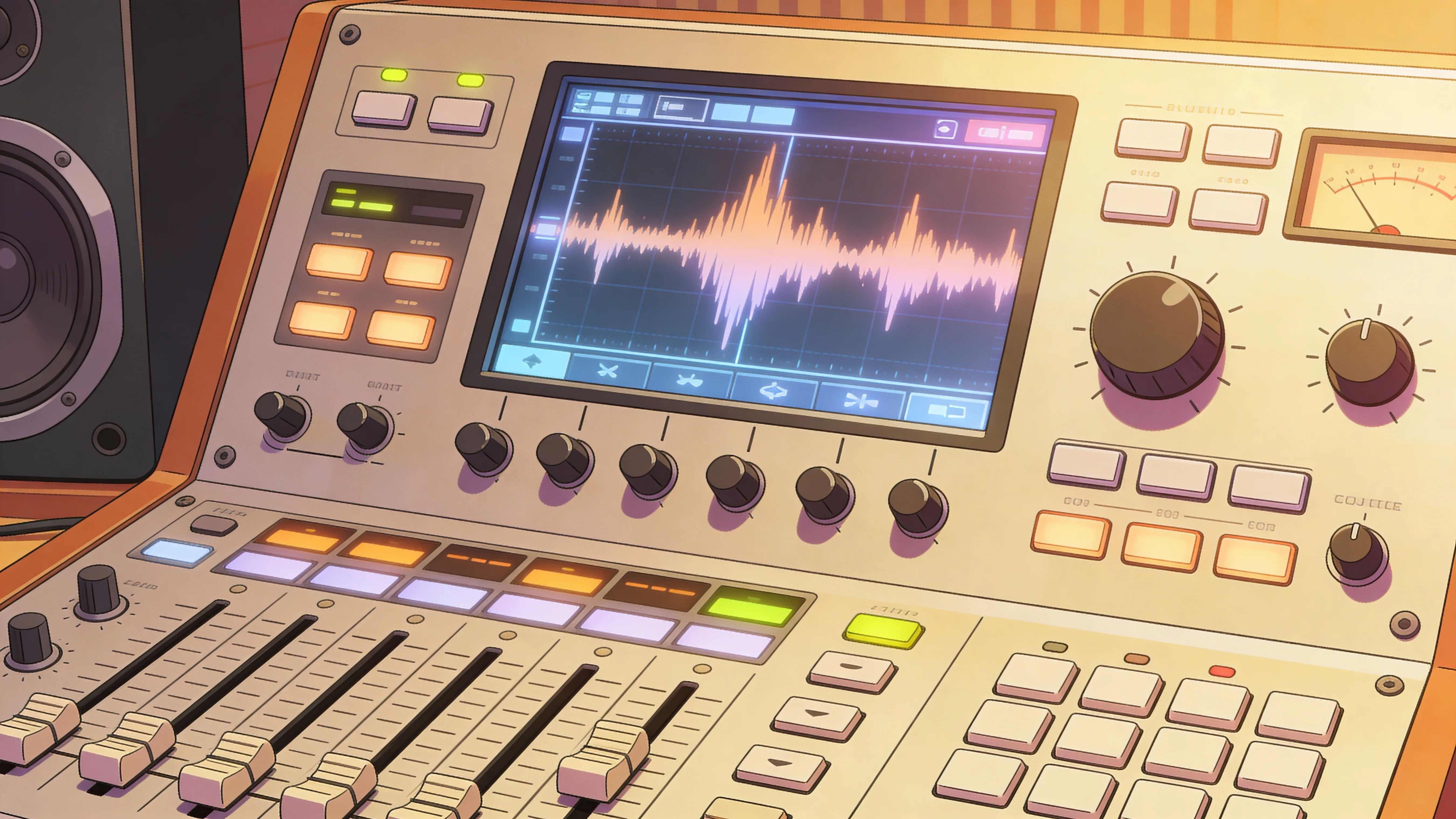
Listen to a short sample in the AI Voice Generator before you generate the full read. That way you can lock in the voice early and move faster.
WHO IT’S FOR
AI Voice Generator use cases teams rely on
Marketing, creators, and educators use FlashEdit to ship narration quickly without losing tone or consistency.
Growth Marketers — Ad Voiceovers at Scale
Launch multiple ad variants while keeping tone and pacing steady. Swap the CTA, keep the same voice, and ship fresh creative without another recording session.
Creators & Podcasters — Consistent Show Intros
Build intros, outros, and sponsor reads that stay on brand. Update a line in seconds while keeping audio quality steady across episodes.
Agencies — Client-Ready Narration
Deliver polished voiceovers for multiple clients without booking talent every time. Keep approvals intact by tying the exact voice settings to each project.
Product Teams — Demo & Walkthrough Audio
Narrate product demos with a calm, clear tone. Ship updates quickly when features change without rebuilding your entire audio workflow.
Educators — Course Voice Tracks
Turn lesson scripts into clear, steady narration. Keep pace consistent across modules so learners stay focused and comprehension stays high.
Sales Teams — Pitch & Explainer Audio
Create quick pitch voiceovers for decks, demos, and onboarding. Keep pronunciation consistent for product terms and key claims.
Pricing
FlashEdit AI Voice Generator Plans
Start free with credits, then upgrade when you need longer narration, commercial rights, or higher concurrency for team workflows.
Starter
Best for light monthly FlashEdit AI projects
- 200 AI design credits Per Month
- Up to 20 videos
- Up to 200 images
- Up to 13 songs
- Up to 20 voice tracks
- HD, Watermark-Free Downloads
- Priority support
- Faster Generation Speed
- Private Generation
PRO
Best for regular FlashEdit AI projects
- 1000 AI design credits Per Month
- Up to 100 videos
- Up to 1,000 images
- Up to 66 songs
- Up to 100 voice tracks
- HD, Watermark-Free Downloads
- Priority support
- Faster Generation Speed
- Private Generation
- Credits rollover & never expire
Ultra
Perfect for professionals and agencies
- 5000 AI design credits Per Month
- Up to 500 videos
- Up to 5,000 images
- Up to 333 songs
- Up to 500 voice tracks
- HD, Watermark-Free Downloads
- Priority support
- Faster Generation Speed
- Private Generation
- Credits rollover & never expire
FAQ
AI Voice Generator Questions, Answered
Short answers to the most common workflow and rights questions teams ask before adopting FlashEdit AI Voice Generator.
Testimonials
What teams say about FlashEdit AI Voice Generator
Creators and marketers use the AI Voice Generator to ship voiceovers without studio delays.
Maya G.
Performance Marketing LeadWe can spin a few ad reads fast, keep the same voice, and test different CTAs without booking talent.
Jared P.
Podcast ProducerOur show intros stay consistent every week. If we update a sponsor line, the new take still matches.
Lena S.
Product Marketing ManagerThe AI Voice Generator gives us clean narration for demos, and it stays on brand across a launch series.
Alex R.
Creative DirectorWe deliver voiceovers for multiple clients without starting from scratch. Settings and approvals stay tied to each project.
Priya N.
Course CreatorLessons sound calm and consistent. I can update a module and the new audio fits right in.
Diego L.
Sales EnablementWe narrate product overviews quickly, keep pronunciation accurate, and ship files ready for the edit team.
Build with FlashEdit AI Voice Generator
Create voiceovers, compare takes, and export audio from one workspace—fast enough for drafts, clean enough to ship.