
AI Image Generator

AI Logo Generator
logo

AI Thumbnail Maker
thumbnail

AI Hairstyle Generator
hairstyle
AI Tattoo Generator
tattoo

AI Baby Face
baby-face
AI Real Weather
real-weather
Cost
Seedream 5 Lite5
Seedream 5.0 Lite AI Image Generator
Create layout-ready images with Seedream 5.0 Lite in FlashEdit—strong multi-step prompting, steadier set consistency, and fast iteration.
STYLE PRESETS
Seedream 5.0 Lite styles that stay consistent
Start with a preset and iterate without your look drifting. Built for constraint-heavy briefs, so more outputs feel usable on the first pass.

AI Thumbnail Maker

AI Hairstyle Generator
AI Tattoo Generator

AI Baby Face
HOW IT WORKS
Four fast steps from brief to export
A Seedream 5.0 Lite flow that keeps you in control—set constraints early, iterate quickly, and finish with assets that are easier to approve.
1
Describe the deliverable
Share the subject, goal, and constraints (format, tone, text, references). Focus on what must not change.
2
Pick the engine
Choose Seedream 5.0 Lite when your prompt is multi-step, your layout is dense, or you need steadier identity and style across a set.
3
Generate and refine
Generate a first pass, then tighten details. It’s designed for reliable instruction following, so changes are more predictable.
4
Export and ship
Download the keeper, then reuse the same direction to generate consistent variants for different placements.
CORE CAPABILITIES
What Seedream 5.0 Lite does best
Built for structured creative work—better prompt comprehension, steadier consistency across sets, and more dependable results when layouts get complex.

Complex prompt reliability
Seedream 5.0 Lite is designed to handle multi-step instructions more consistently. When your brief includes multiple changes, constraints, or references, it tends to land closer to the intended output on the first try—so you spend less time “prompt wrestling.”
Set consistency
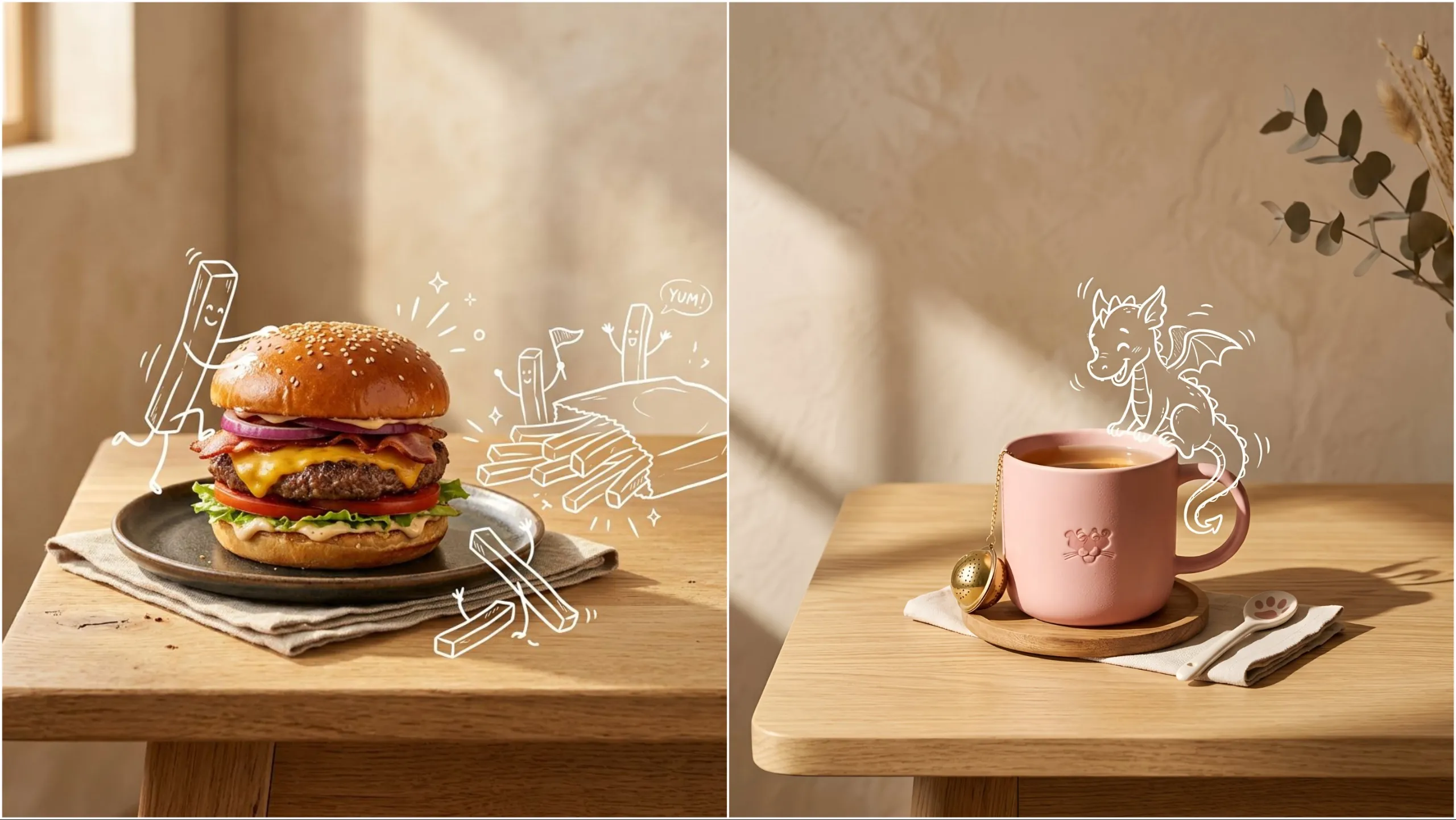
It’s built for workflows where you’re producing a set, not a single image. Character identity, product appearance, overall style, and lighting are described as holding up better across multiple generations—useful for storyboards, campaign variants, and product lines.
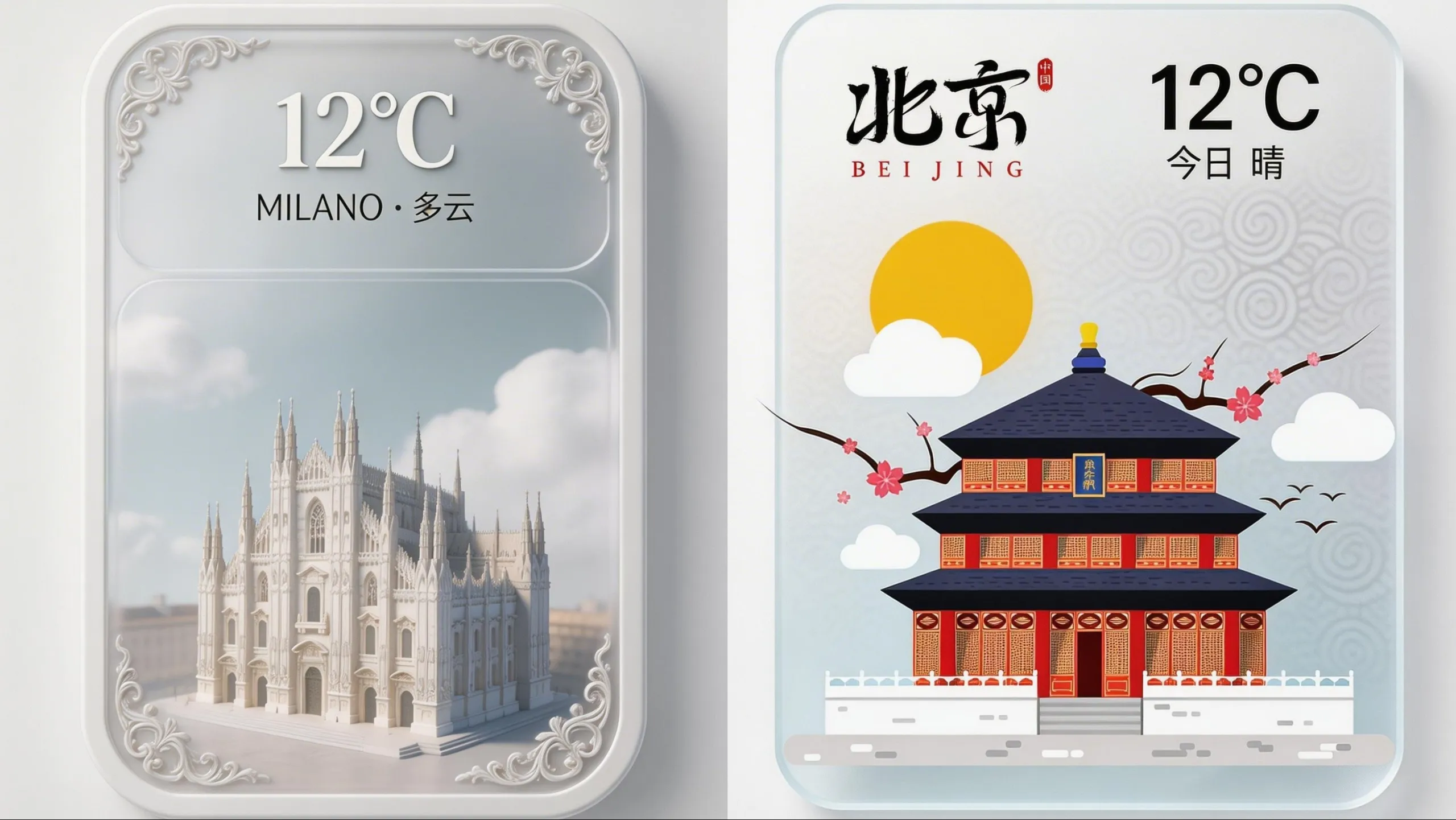
Web-connected retrieval
Seedream 5.0 Lite has been described as adding web-connected retrieval, allowing generations to draw on live online information. That can help when you need visuals aligned to timely topics or up-to-date references—without manual research for every iteration.
CREATION MODES
Four ways to create
Start from text, references, or targeted edits. Keep the direction stable while you explore variations—and keep the “set” feeling like one coherent body of work.
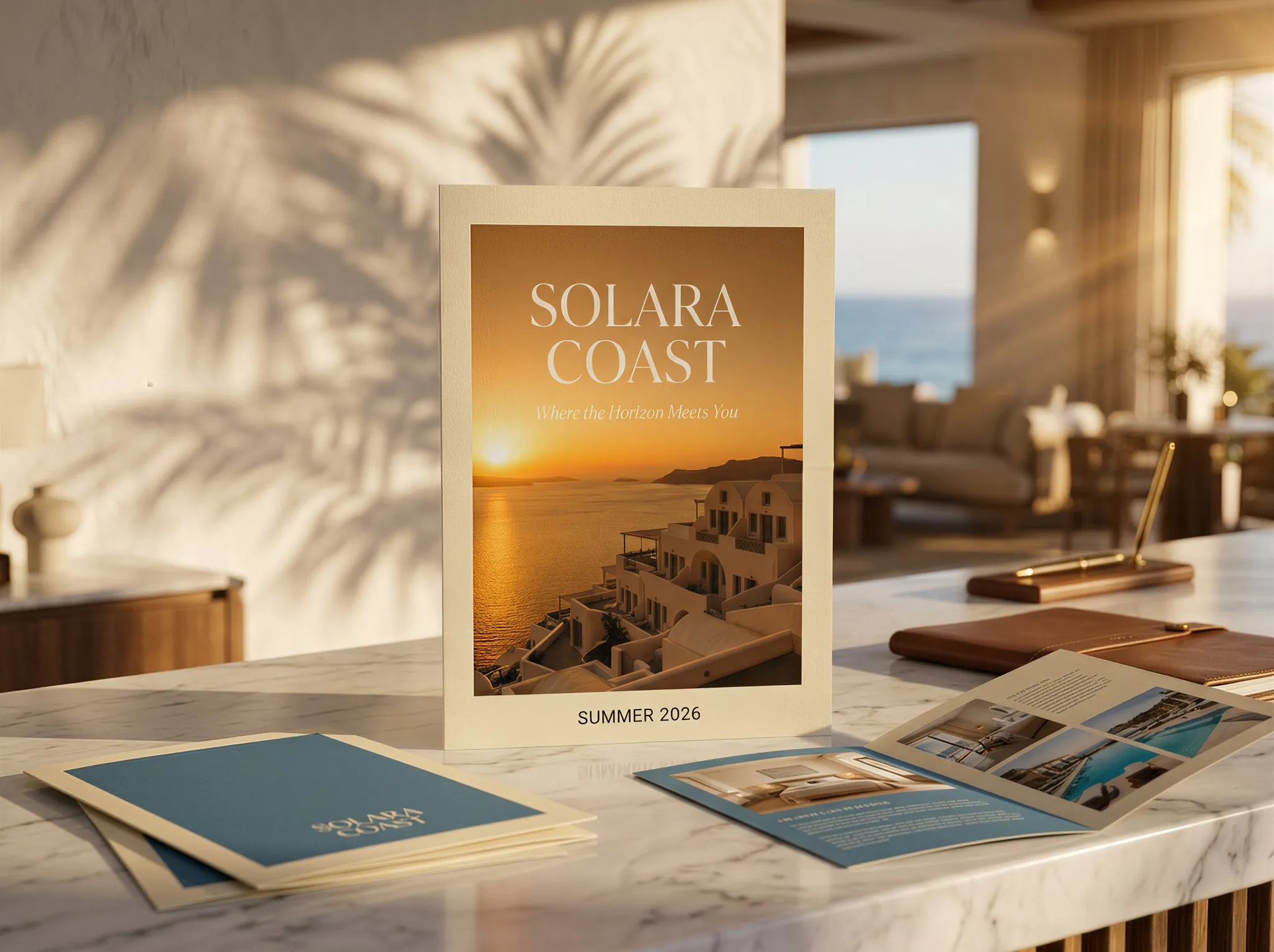
Draft concepts from scratch when you have a clear brief. Add composition, lighting, typography, and layout constraints so the output follows the hierarchy you intended. Great for posters, key visuals, and first-pass concepts.

POST-PRODUCTION SUITE
3 finishing tools for Seedream 5.0 Lite outputs
Generation gets you close. Finishing tools make it shippable—cleaner edges, fewer distractions, and a more consistent set across deliverables.
Background removal
Cut out the subject fast and place it into clean studio or campaign scenes. Great for product shots and compositing when you need quick, consistent variants.

4K Smart Upscaler
Push drafts toward a sharper, 4K-ready look. It rebuilds texture and edges so images stay crisp on big screens, prints, and high-resolution layouts.

Magic Eraser
Remove distractions with a quick brush and let the scene fill itself back in. A clean way to simplify backgrounds and polish an image without re-generating.
WHO IS FLASHEDIT FOR
Built for creators, scaled for teams
Seedream 5.0 Lite is a strong choice when your work needs structure, consistency, and fewer rerolls—especially for posters, product sets, and dense layouts where small drift becomes expensive.
Graphic Design — Poster designers
Build dense poster compositions with clearer hierarchy and fewer broken elements. Iterate on headlines, sub-copy, and layout rules while keeping the same overall direction across drafts. Great for event posters, promos, and announcement graphics.
Online Selling — E-commerce teams
Keep a product stable across seasonal scenes, backgrounds, and lighting setups. Generate consistent sets for marketplaces, PDP images, and paid ads—then reuse the same art direction across SKUs. Save time on manual matching and retouching.
Product Design — UI/UX makers
Create structured UI directions, landing mockups, and layout explorations faster. Reuse the same grid logic across variants so reviews focus on decisions, not random inconsistencies. Helpful for early-stage concepts and internal reviews.
Information Design — Infographic creators
Produce information-dense visuals, diagrams, and labeled layouts that stay readable. Use explicit spacing and grouping rules so complex content remains scannable, even with multiple elements. Ideal for slides, explainers, and quick educational graphics.
Marketing Teams — Campaign operators
Create one cohesive set for multiple placements (feed, stories, banners, thumbnails). Keep identity, styling, and lighting aligned across the whole series so the campaign looks intentional everywhere. Iterate copy while keeping visuals consistent.
Production Teams — Content studios
Deliver more options per brief with less back-and-forth. Ideal for teams that need speed, consistent art direction, and repeatable outputs across clients and recurring formats. Build a reliable workflow your team can follow.
PRICING
FlashEdit AI pricing plans
Start free. Upgrade for commercial rights, higher usage, and more export-ready output.
Starter
$9.9/mo
Best for light monthly FlashEdit AI projects
- 200 AI design credits Per Month
- Up to 20 videos
- Up to 200 images
- Up to 13 songs
- Up to 20 voice tracks
- HD, Watermark-Free Downloads
- Priority support
- Faster Generation Speed
- Private Generation
Popular
PRO
$29.9/mo
Best for regular FlashEdit AI projects
- 1000 AI design credits Per Month
- Up to 100 videos
- Up to 1,000 images
- Up to 66 songs
- Up to 100 voice tracks
- HD, Watermark-Free Downloads
- Priority support
- Faster Generation Speed
- Private Generation
- Credits rollover & never expire
Ultra
$99.9/mo
Perfect for professionals and agencies
- 5000 AI design credits Per Month
- Up to 500 videos
- Up to 5,000 images
- Up to 333 songs
- Up to 500 voice tracks
- HD, Watermark-Free Downloads
- Priority support
- Faster Generation Speed
- Private Generation
- Credits rollover & never expire
FAQ
Your questions, answered
Simple answers to common questions about Seedream 5.0 Lite.
TESTIMONIALS
What creators say about FlashEdit
Real workflows, faster iterations, and fewer near-miss outputs—especially when you need a consistent set.
LR
Lina R.
Brand Designer“I can generate a poster series that actually looks like a series. The layout stays coherent, and changes are incremental—swap a headline, adjust spacing, re-export—without blowing up the whole design.”
MK
Marcus K.
Performance Marketer“We ship more variants per day because the product stays stable across iterations. It’s easier to A/B test when the visuals feel like one campaign, not five unrelated images.”
ST
Sana T.
E-commerce Operator“Seasonal product sets used to take hours of manual matching. Now the styling and lighting hold together better, so our catalog looks cleaner with less post-work.”
DP
Devon P.
Content Studio Lead“The value isn’t one lucky generation—it’s getting ten usable options that share the same direction. That consistency makes approvals and handoffs much faster.”
YM
Yuki M.
UI/UX Creator“For quick mockups, structure matters. The outputs follow layout logic better, so feedback is about UX decisions, not about fixing random visual drift.”
OS
Omar S.
Creative Producer“Seedream 5.0 Lite is my go-to when the prompt has multiple constraints. It’s more predictable, easier to refine, and faster to get to a shippable draft.”
Create with Seedream 5.0 Lite
Generate structured, consistent visuals faster. Iterate on intent, not on rerolls.