HomeAI Video Generator
AI Video Generator
Cost40
Cost
Seedance 2 Fast40
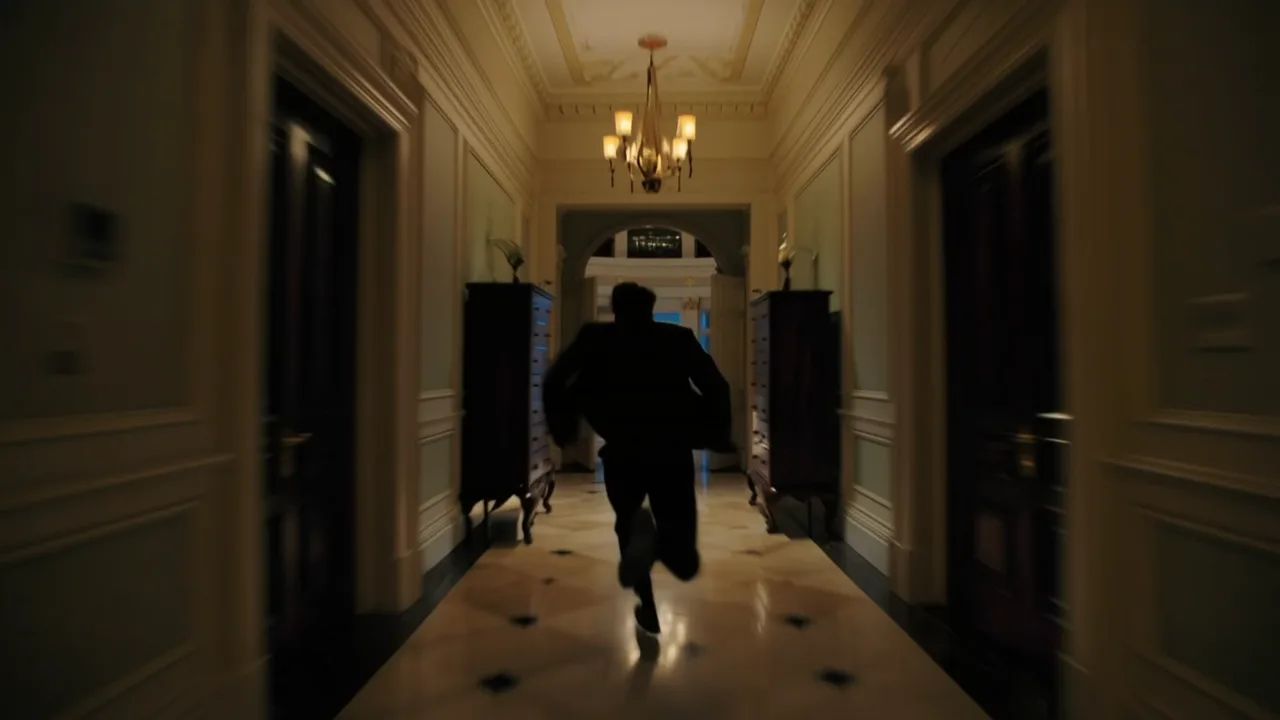
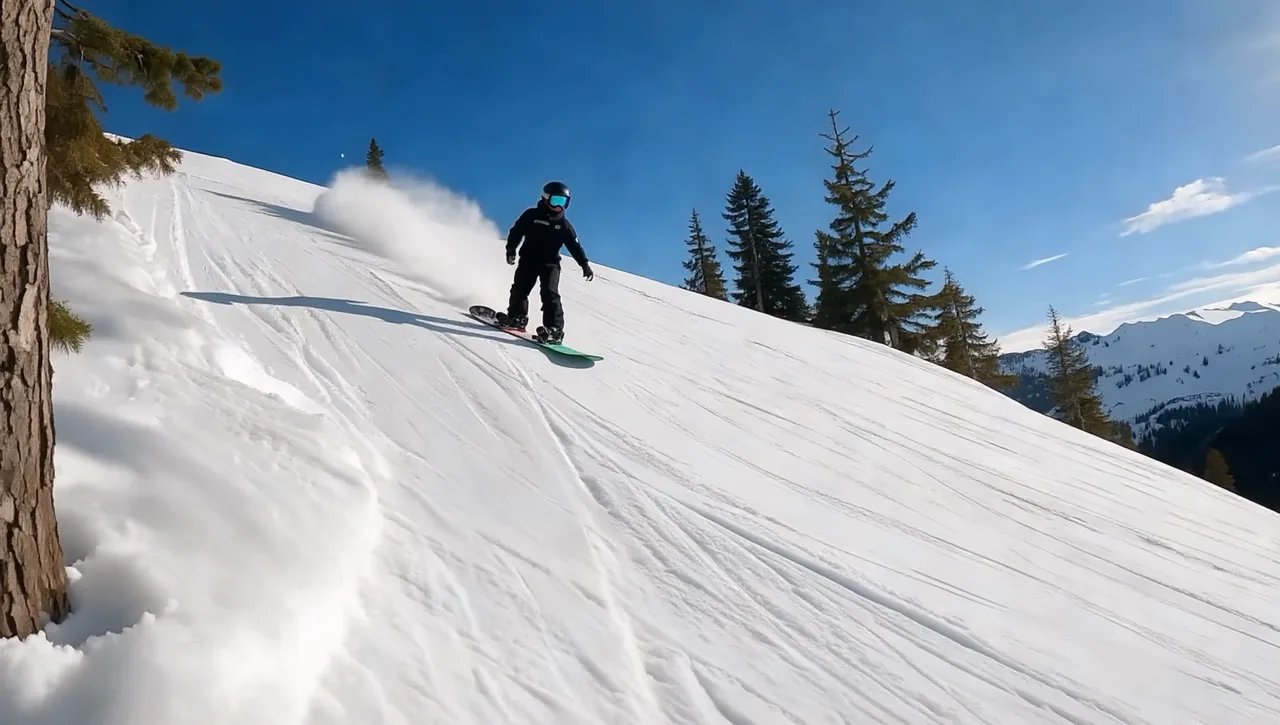
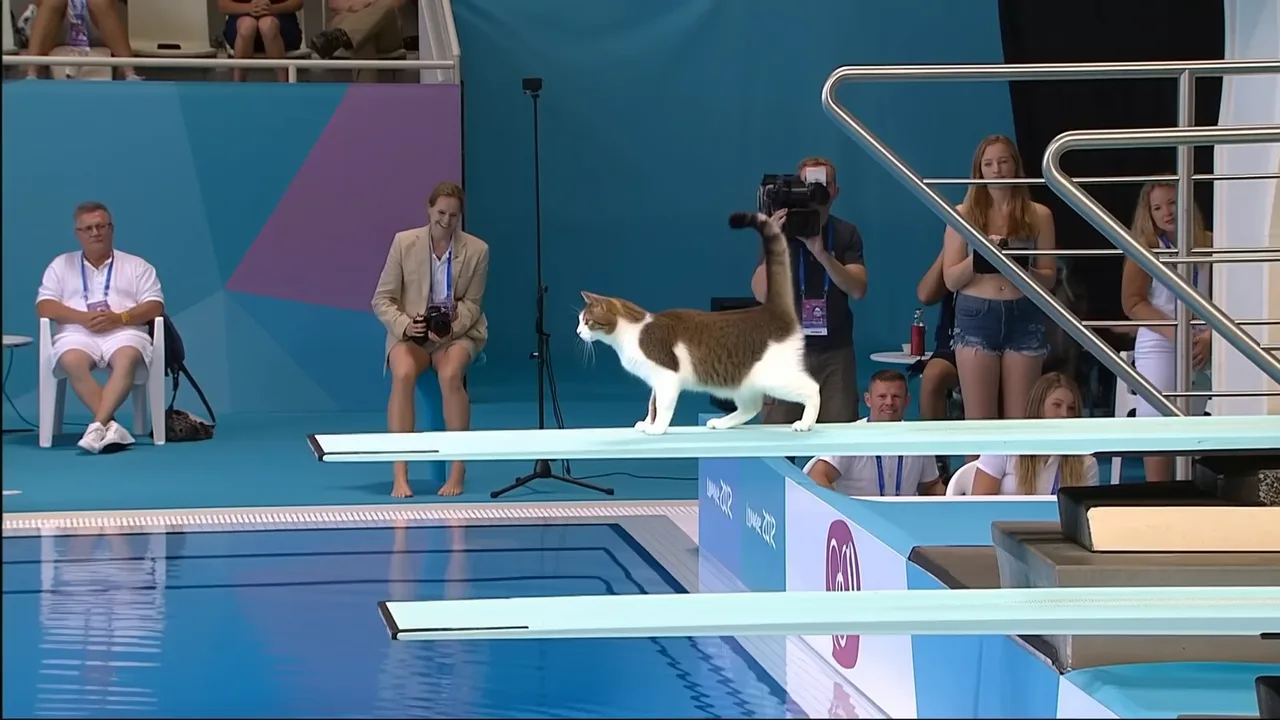
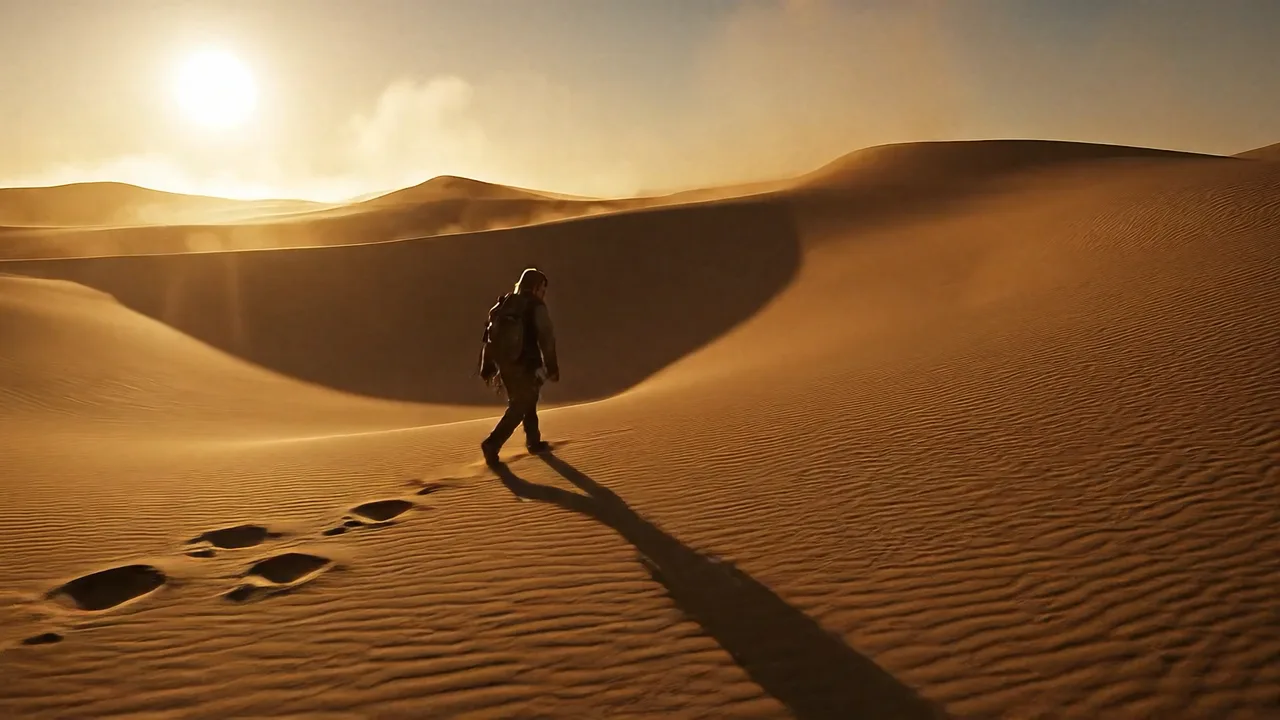
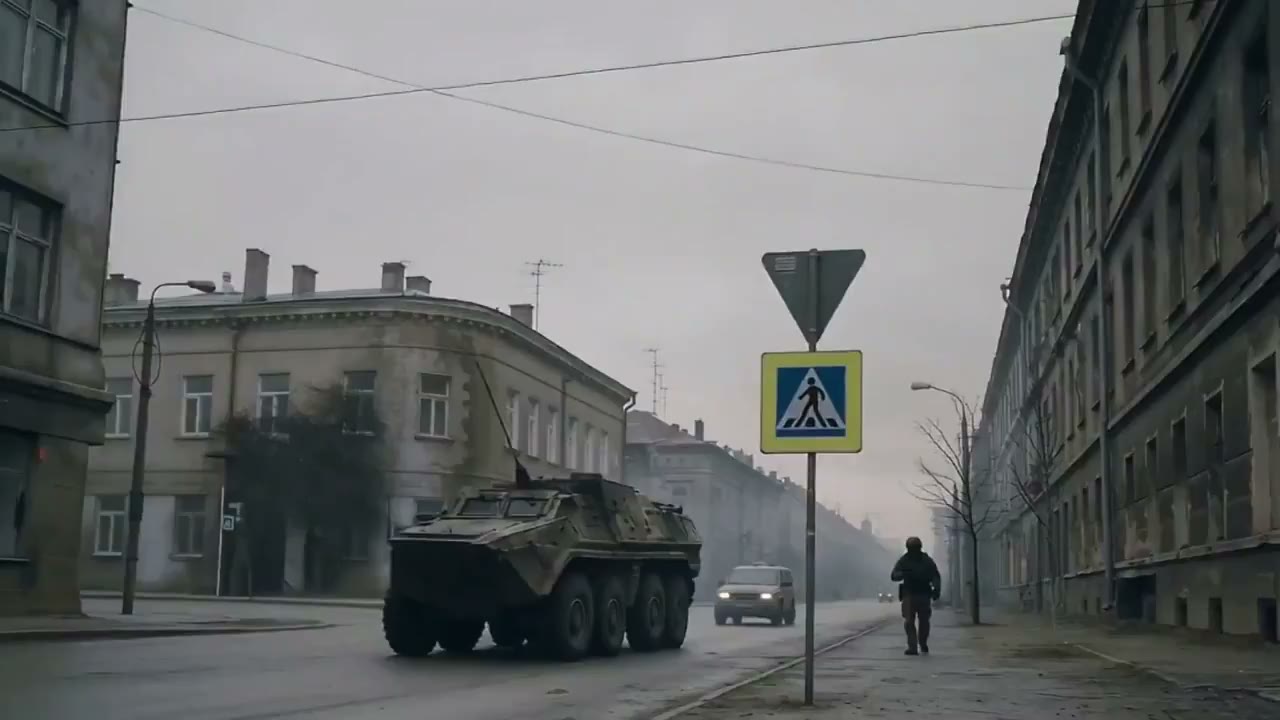
AI Video Generator for Text, Image, and Reference-Based Video
FlashEdit AI Video Generator helps you create short videos from prompts, images, and reference media. Use it for quick tests, product scenes, ad concepts, social clips, and early storyboards.
VISUAL STYLES
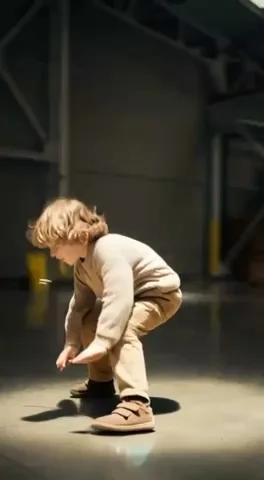
Example outputs from FlashEdit AI Video Generator
Browse short examples before you write your own prompt. Use them as a starting point for social clips, product scenes, ads, and visual story tests.

AI Kissing Video

AI Ad Video

AI ASMR Video

AI Bikini Video
HOW IT WORKS
How to create a video with FlashEdit AI Video Generator
A simple way to test ideas, improve prompts, and download usable clips.
1
Write the Scene
Describe the subject, action, camera movement, style, and setting. Clear prompts work better than long vague ones. Say what should move, what should stay consistent, and what kind of video you want.
2
Add References If Needed
Upload images, first and last frames, or supported reference media when the scene needs a specific product, person, object, or style. Reference images are especially useful when the output should stay close to a real visual direction.
3
Choose Model and Settings
Pick the model that fits the job. Adjust duration, resolution, aspect ratio, and audio options. The AI video generator shows the credit cost before submission, so you can choose a cheaper test or a more polished render.
4
Review, Download, or Iterate
Open the result in My Creation, download the video, reuse saved assets, or run another version with a tighter prompt. If a 4-second draft feels weak, you can stop there. If it works, you can spend more credits on a better version.
CORE CAPABILITIES
Why use this AI video generator in FlashEdit
Turn prompts and visual references into short videos without setting up a full editing timeline first.
Prompt and Image-Guided Generation
Write the scene in plain language, then add reference images when the result needs to match a real product, person, object, outfit, layout, or visual style. This gives the model more to work with than a prompt alone, especially when brand details matter.

Model Choice Without Extra Setup
FlashEdit lets you compare models such as Seedance, Kling, Sora, Veo, and Gemini Omni from one generation panel. Use lower-cost models for rough tests, then switch to higher-quality options after the prompt and references are working.
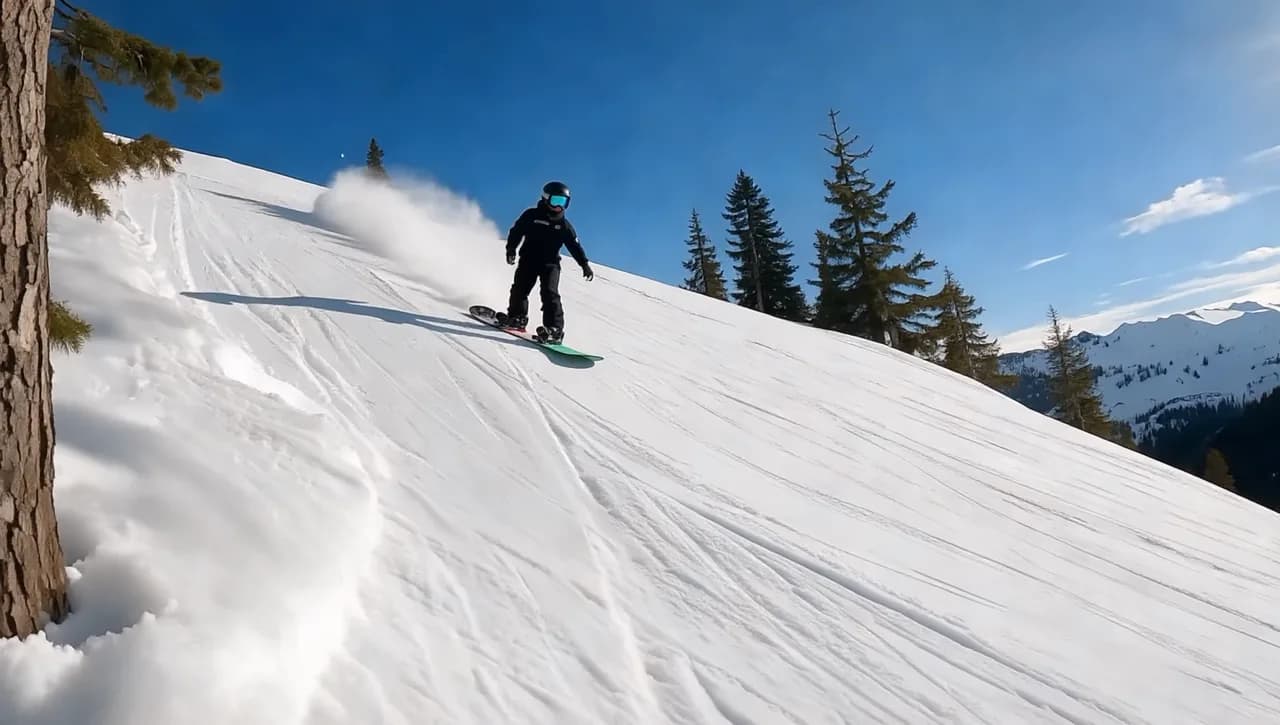
Control Before You Spend Credits
Set duration, resolution, aspect ratio, audio, start/end frames, and reference inputs where the selected model supports them. The credit cost appears before generation, so you can test a short version before spending more on a longer or higher-resolution clip.
CREATION MODES
Choose the right AI video generator workflow
Pick the setup that matches your source material: a prompt, an image, reference images, start/end frames, or reference motion.
Use FlashEdit as a text to video generator when you are starting from an idea, script, ad hook, or scene description. It works best when the prompt includes subject, action, camera movement, environment, style, and pacing.
PRODUCTION TOOLS
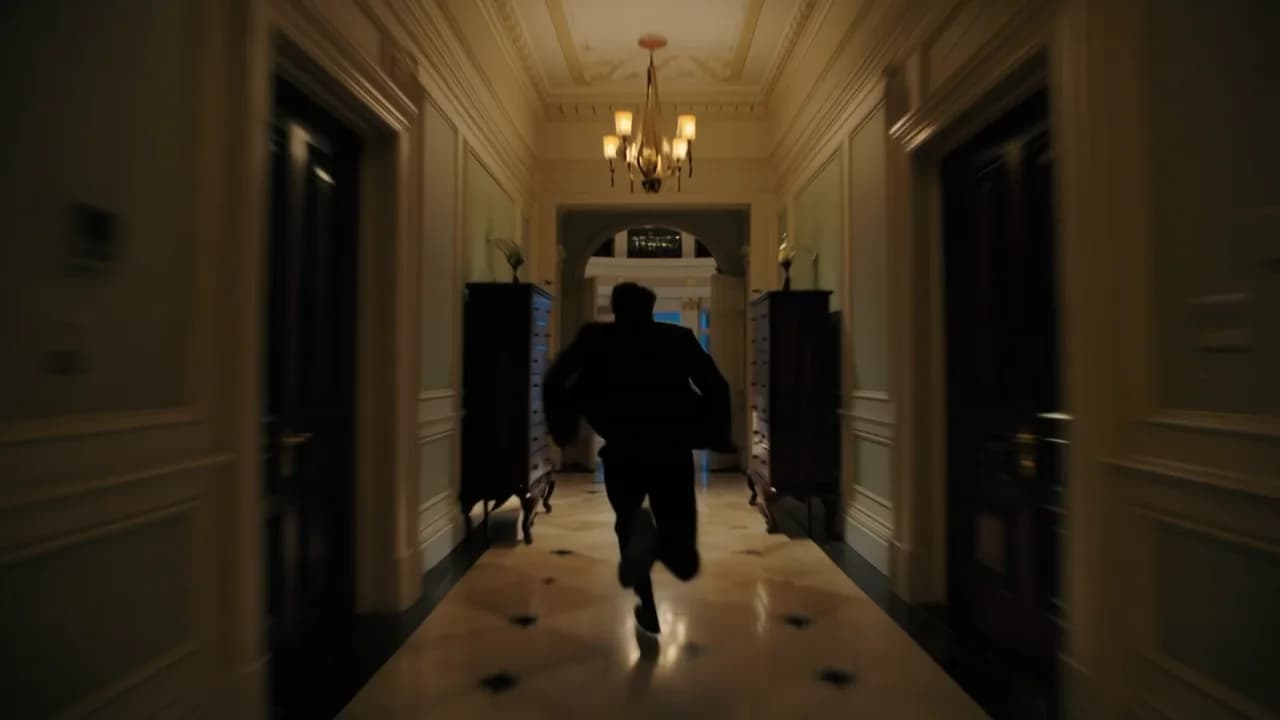
Turn AI video drafts into usable assets
After generating a clip, use it as a working asset in the rest of your project. Download it, compare versions, or add sound and voice where your workflow needs it.
WHO IS FLASHEDIT FOR
Who should use this AI video generator
FlashEdit is useful when you need a short moving draft before a full production decision. These are the most common workflows.
Ad teams — Ad concepts
For ad teams, FlashEdit works as an ai ad video generator for testing hooks, product angles, campaign visuals, and landing page clips. It is useful when you want to compare several creative directions before spending time on production.
TikTok and Shorts creators — Vertical clips
Create short clips for TikTok, YouTube Shorts, and Reels from prompts or images. FlashEdit can support ai tiktok video generator and ai youtube shorts generator workflows when you need quick vertical video drafts.
UGC marketers — UGC-style drafts
Draft UGC-style product demos, creator-style scenes, and simple testimonial concepts before briefing talent or editors. This helps teams test pacing and scene direction before committing to a shoot.
Ecommerce teams — Product video tests
Use it as an ai product video generator for product photos, packaging shots, ecommerce pages, and short social ads. Upload a product image, test a few motion ideas, and see which angle is clear enough to refine.
PRICING
AI video generator pricing uses credits
FlashEdit shows the credit cost before generation. Cost depends on the model, duration, resolution, and supported media options.
Starter
$9.9/mo
Best for light monthly FlashEdit AI projects
- 200 AI design credits Per Month
- Up to 20 videos
- Up to 200 images
- Up to 13 songs
- Up to 20 voice tracks
- HD, Watermark-Free Downloads
- Priority support
- Faster Generation Speed
- Private Generation
Popular
PRO
$29.9/mo
Best for regular FlashEdit AI projects
- 1000 AI design credits Per Month
- Up to 100 videos
- Up to 1,000 images
- Up to 66 songs
- Up to 100 voice tracks
- HD, Watermark-Free Downloads
- Priority support
- Faster Generation Speed
- Private Generation
- Credits rollover & never expire
Ultra
$99.9/mo
Perfect for professionals and agencies
- 5000 AI design credits Per Month
- Up to 500 videos
- Up to 5,000 images
- Up to 333 songs
- Up to 500 voice tracks
- HD, Watermark-Free Downloads
- Priority support
- Faster Generation Speed
- Private Generation
- Credits rollover & never expire
FAQ
AI Video Generator FAQ
Clear answers about text prompts, image inputs, reference images, credits, and free trial access.
TESTIMONIALS
What creators say about FlashEdit AI Video Generator
Short feedback from teams using FlashEdit to test video ideas, product scenes, social clips, and client concepts faster.
MR
Maya R.
Growth MarketerFlashEdit helps us turn ad hooks into rough video concepts before we spend time on production. We usually test a short version first. If the hook feels flat, we stop there instead of spending more credits on a longer clip.
DC
Daniel C.
Ecommerce FounderI use the image to video workflow for product shots. It is faster than briefing a motion designer for every small test, and it gives me enough motion to compare angles for ads and landing pages.
LW
Lina W.
Content CreatorFor Shorts and Reels, I mostly need quick visual scenes that match a script. FlashEdit makes it easy to test text to video prompts, save the clips, and come back to the best versions later.
AK
Aaron K.
Creative StrategistThe model picker is the main reason I use it. I can try a lower-cost model first, then move to stronger settings once the prompt and references are working.
SM
Sofia M.
Agency ProducerClient reviews move faster when we can show a moving concept instead of only a mood board. FlashEdit is useful for early pitch visuals and quick product storyboards.
NA
Noor A.
Training DesignerI use it to create short examples for lessons and onboarding material. It is not a full editing suite replacement, but it is helpful for turning static ideas into simple video drafts.
Start with a short AI video draft
Write a prompt, add references if needed, choose a model, and check the credit cost before generation.